
Ever wondered why one play sticks out from a sea of games? Highlight reels grab those special moments that capture the true spirit of a team or an athlete. It’s like freezing in time an unforgettable move or a twist that changes everything.
In this post, we’re breaking down how clever cuts, lively voiceovers, and smooth transitions turn raw footage into stories that pulse with energy and passion. Get ready to relive those iconic moments that make sports so thrilling.
Engaging Highlight Reel Examples Across Sports and Entertainment
A well-curated highlight reel can fire up your editing mindset. These reels pack a ton of creative tricks that pull out the best moments in any sport. With a lively mix of quick cuts and live commentary, you get a real feel for the game’s pulse. And hey, did you know Michael Jordan once ruled playground courts with moves that forever changed basketball?
Examples like these push creators to get really inventive. By mixing in things like friendly voiceovers, simple AI subtitles (think of them as quick text prompts), and smooth transitions, you can turn everyday game footage into a story that goes way beyond the final score.
- Michael Jordan career montage showing off his groundbreaking moves
- Super Bowl top-play roundup that captures the game-changing moments
- Ali boxing legend montage that brings iconic boxing fights to life
- Premier League match highlights featuring rapid-fire plays and unexpected twists
- Trophy moments compilation packed with epic celebrations and award-winning feats
- Concert encore highlights that blend sports excitement with live entertainment energy
Fans and editors can watch or download these reels on top video sites and sports apps. It’s super easy to gather new ideas and share those epic clips with fellow fans.
Understanding Highlight Reel Definition and Impact
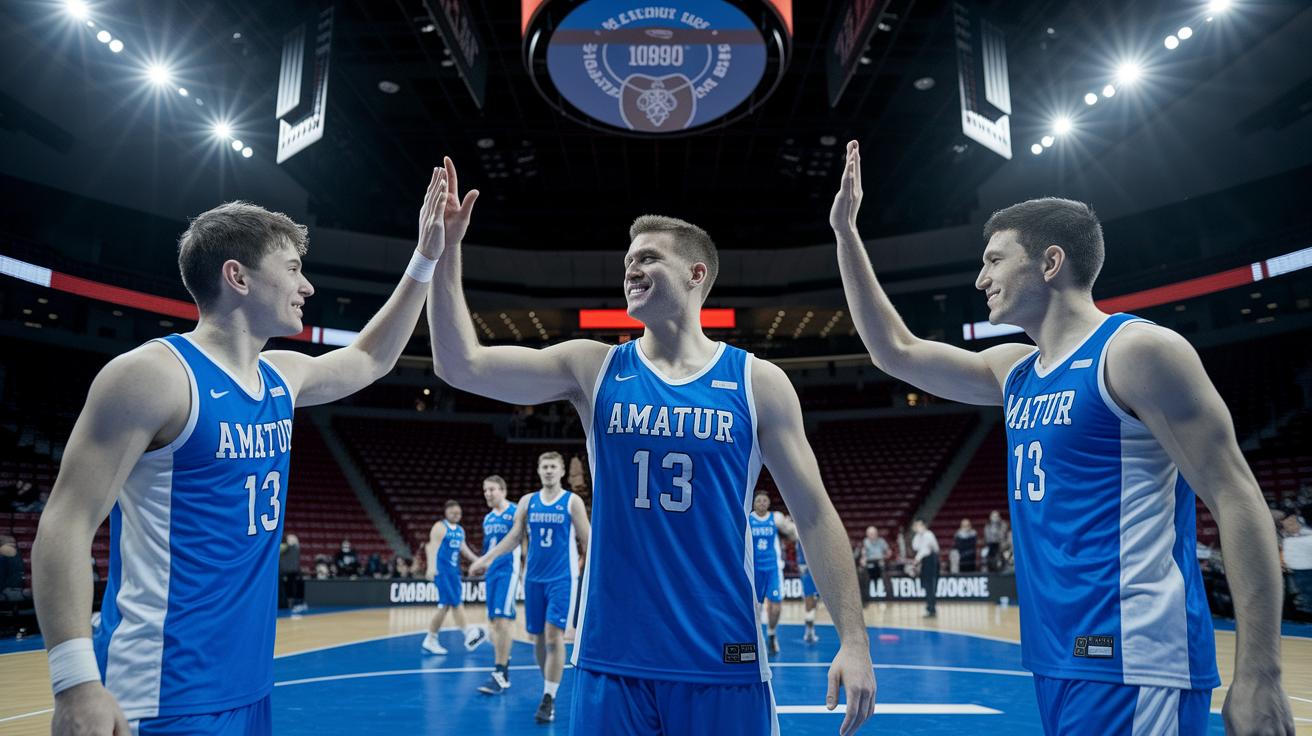
A highlight reel is a quick, punchy video that packs in an athlete or team’s greatest moments. Think of it as a fast-forward journey through high-energy plays, jaw-dropping skills, and those game-changing finishes. It’s like watching the best parts of the game all in one go, and it's made to stick in your mind.
These reels usually come in a 9:16 aspect ratio with HD 1080p MP4 quality, so they look crisp on platforms like Instagram. Imagine scrolling through your feed and being hit with smooth, clear visuals, it feels like you're right there on the edge of the action. They often mix in royalty-free tunes, cool sound effects, and even AI-generated voiceovers that feel like a friendly sports commentary. And with neat subtitles, everyone can catch the action, no matter where they are.
Every technical detail, from the sharp resolution to the enhanced audio, works together like a well-coordinated play. The result? Ordinary game moments are transformed into a visual masterpiece that captures every unforgettable flash of brilliance. Isn’t it amazing how a few seconds of footage can make you relive those heart-pounding moments?
Step-by-Step Guide to Highlight Reel Assembly
Start by loading up all your video clips. Hit the import media button to grab files from your computer or even your cloud storage, like OneDrive. Once your shots are in, drag them onto the timeline. Use the trimming handles to cut out any unnecessary parts, like slicing off a slow buildup right before that game-winning moment. This way, you lock in only the high-energy plays, saving precious time and keeping every move crystal clear.
Next, check for any blank gaps between your clips. If you see diagonal marks showing empty spaces, slide the clips together to avoid any awkward black screens. Think of it like piecing together a perfect puzzle, where every scene flows smoothly into the next. And, while you're at it, add simple transitions like fades or snappy 3D effects. These little touches make your reel flow naturally, much like the excitement of a well-crafted sports highlight reel.
Finally, turn up the volume on your reel with audio that packs a punch. Add some royalty-free tunes that match the vibe of the plays, toss in AI voiceovers for that live commentary feel, and even include AI-generated subtitles to keep it accessible for everyone. Give your reel a final play-through to ensure the timing and sound blend perfectly. When everything feels just right, export your finished reel in a crisp HD 1080p MP4. This last step makes sure your epic moments are ready to wow fans on social media or catch the eye of recruiters.
Essential Editing Techniques for Professional-Looking Highlight Reels
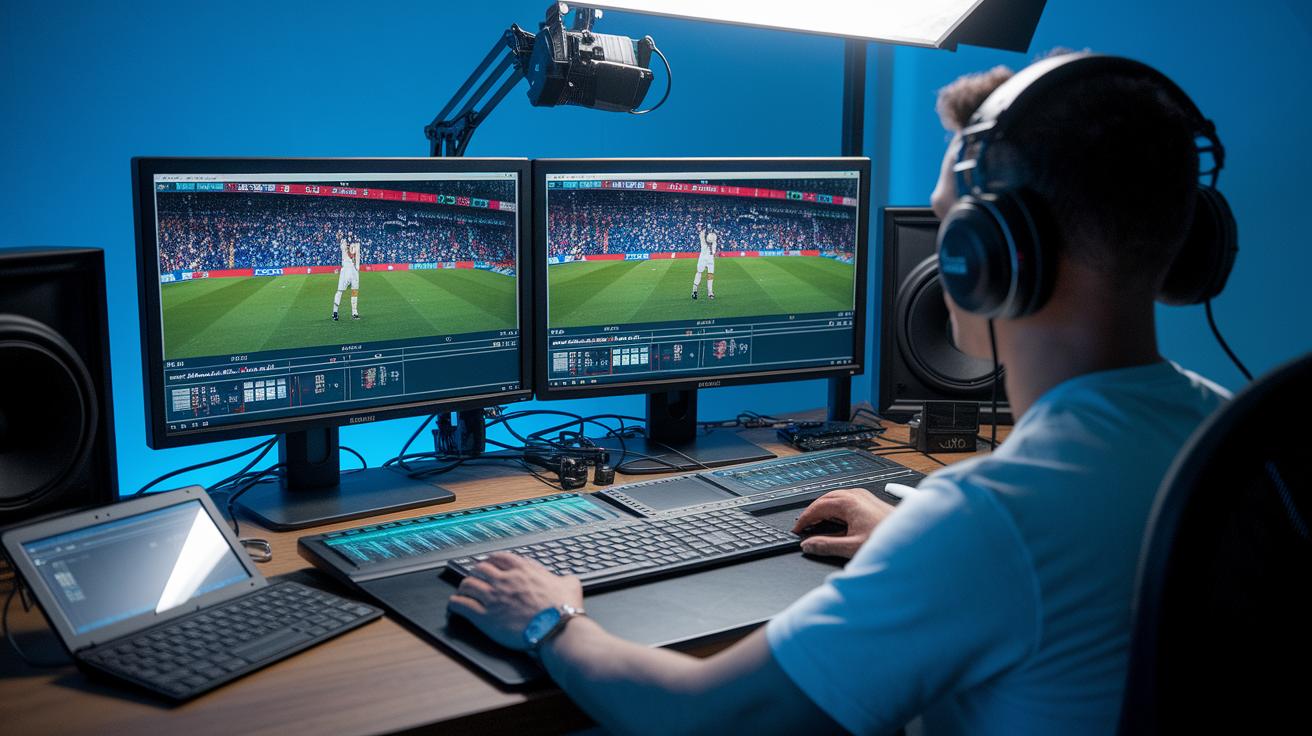
Dive into top-notch tools that make your highlight reel stand out. With AI noise cancellation, background chatter fades away so you catch every cheer and every word like you're sitting courtside. Imagine soaking in the electrifying atmosphere without any pesky hum getting in the way.
Next, spice up your footage with picture-in-picture effects. This cool trick shows multiple angles right on your screen, giving you a wider look at the action as it unfolds. Picture your go-to play in a split-screen view, each twist and turn coming to life for an even more thrilling experience.
Top Software and Mobile Apps for Highlight Reel Editing
When it comes to creating your highlight reel, choosing the right editing tool can make all the difference. Whether you're a seasoned expert or just starting out, you need a tool that matches your device, offers cool features, and gives you creative freedom. Some apps even use smart AI to arrange your clips automatically and let you share your masterpiece quickly from your phone. Others are built for sports fans with special tools and unlimited uploads.
| Software | Platform | Key Features |
|---|---|---|
| Clipchamp | Desktop & iOS | AI auto-composition, Reel templates, precise trimming, HD export |
| CapCut | Mobile App | AI filters, TikTok integration, engaging transitions |
| Hudl | Web | Sports-specific tagging, unlimited uploads, streamlined editing |
| Adobe Premiere Rush | Desktop & Mobile | Multi-track editing, robust timeline, versatile adjustments |
| InShot | Mobile App | Efficient mobile trimming, quick sharing, intuitive interface |
Picture this: turning raw game footage into a reel that pulses with energy, capturing the thrill of every play. When you match your needs with the right tool, that excitement leaps off the screen. Imagine that rush when your best moment comes alive, ready to captivate your audience every single time.
Crafting Custom Covers and Thumbnails for Your Highlight Reel

When you're set to design a custom thumbnail for your highlight reel, make sure you stick with a high-quality resolution like 720p or 1080p. Good resolution keeps your images crisp on every screen. And using the right aspect ratio means you won't get any weird cropping or stretching. Center your key elements and let natural borders guide the viewer’s eye. It’s like setting up the perfect play, you want everything neatly in position so your shots really pop.
Style is key to making your cover stand out. Try mixing a sleek monochrome design, like pairing crisp white with dark backgrounds, to immediately grab attention. Add in personal touches like custom badges or thematic icons from free icon packs. These little tweaks can give your thumbnail that unique kick, making your highlight reel unmistakably yours.
When it's time to export your work, opt for file formats like PNG or JPEG. These keep your details sharp on both web and mobile devices. Adjust the compression just right so your image stays top-notch without losing quality. Follow these steps and your customized covers and thumbnails will shine every time someone scrolls by.
Optimizing Highlight Reels for Social Media Sharing
Get your reel game on point by matching every detail to the platform's must-haves. For Instagram Reels, shoot and export in 1080p MP4 with that 9:16 setup, perfect for mobile screens. Add crisp captions and subtitles so everyone can join in, and pick royalty-free tunes that capture the vibe. Throw in smart hashtags and lively captions to boost your reel's reach. Smooth transitions are a must too; think of it like setting the perfect stage where every technical play counts.
Plan your posting schedule just like you plan a big game day. Choose times when your crowd is buzzing online and stick to a regular routine so your fans always know when to tune in. Keep an eye on your numbers to see which highlights score big, and tweak your plan when needed. Regular updates based on the hottest trends will keep your reel fresh and exciting. With a smart mix of captions, hashtags, and timely posts, your reel will keep fans cheering and attract even more eyes with every iconic play.
Final Words
In the action, the guide takes you through creating an unforgettable highlight reel, from capturing the electrifying moments in iconic basketball montages to showcasing trophy moments compilations. It walks you through editing techniques, AI voiceovers, and easy transitions that keep each clip dynamic and fun. These ideas spark fresh energy to boost your projects and inspire your own creative sports moments. Enjoy experimenting, and let your passion for the game shine through every play.
FAQ
Frequently Asked Questions
What is a highlight reel?
A highlight reel is a video that captures the best moments from an event or game. It showcases the most exciting plays with quick cuts, engaging transitions, and sometimes music to boost the viewer’s excitement.
How do you make a highlight reel?
The process to make a highlight reel starts with gathering your footage, trimming key moments, adding seamless transitions and background music, and then exporting the video in high quality to share the best plays.
What is highlight reel syndrome?
Highlight reel syndrome refers to focusing only on flashy, standout moments rather than the complete performance. This can skew perceptions of overall ability and impact how fans and players view consistency.
How do you create an Instagram highlight reel?
Creating an Instagram highlight reel involves selecting your best Stories, organizing them into themed collections, and customizing the cover image so viewers can quickly find these standout moments on your profile.
What apps are ideal for editing highlight reels?
The best apps for editing highlight reels include Clipchamp, CapCut, and Adobe Premiere Rush. They offer easy editing tools, cool effects, and even AI features to help assemble your clips seamlessly.
What is the difference between a highlight reel or a real reel?
The difference lies in content focus; a highlight reel emphasizes standout moments with editing flair, while a real reel often presents a more balanced view of performance and overall gameplay.
What makes a sports highlight reel effective?
An effective sports highlight reel picks key plays and uses clear visuals, crowd sounds, and dynamic angles. This brings the energy of the game to life and gives fans a concentrated taste of the action.