
Ever felt like your best Instagram moments deserve more than just a quick glimpse? With Instagram Highlight Reels, you can grab your standout clips and keep them on display for everyone to enjoy.
Imagine your top plays being featured like a classic highlight reel from a legendary game – it's super simple to set up and never fails to impress.
In this post, we break down three easy ways to create epic clips that let your favorite moments live on without any fuss. Stick around and see just how effortless it is to make your memories last.
Understanding Instagram Highlight Reels and Their Benefits
Instagram Highlight Reels let you keep those epic stories long after they would normally vanish after 24 hours. You can grab a current story or even use a clip from your archive to create a lasting memory on your profile. Whether you're sharing a fun day with friends, a behind-the-scenes peek, or a huge announcement, these reels transform fleeting moments into permanent highlights. You can even keep adding new photos and videos, so your reel keeps evolving like an exciting season of your favorite sport. Before Instagram introduced Stories, content was only available for a limited time. Now, your top moments can live on indefinitely!
Using these highlight reels brings some awesome benefits. First, they let your best moments shine way past that 24-hour window, giving you more time to relive the action. Second, they help you craft a continuous story on your profile, making everything flow together just like a well-played game. And lastly, they boost audience engagement, viewers can come back to catch all the highlights they might have missed, connecting more deeply with your personal brand or business.
Step-by-Step Guide to Creating Instagram Highlight Reels

Ever had that epic moment you just had to share right away, or felt like bringing back a legendary play from your archive? Both new stories and old posts can shine in a Highlight Reel. Your choice depends on whether you're riding that fresh vibe or reliving a memorable win. Either way, it's really simple to show off your best moments without any hassle.
- First, open Instagram Stories and pick the content you want.
- Next, tap the Highlight icon at the bottom right.
- Then, give your Highlight a cool name and choose a display cover.
- For older gems, head over to the Archive tab.
- Hit Edit Highlight to add new photos or videos.
- Finally, save your changes to update your Reel.
Remember, you can always go back to update your Highlights by adding new shots or mixins. This way, your profile stays as exciting and fresh as a nail-biting final quarter.
Designing Engaging Cover Icons for Your Highlight Reels
The cover icon is like the opening play at a big game, it grabs your eye right away and sets the mood. It’s the face of your content, hinting at the excitement that’s coming next. Imagine a moment when a fan sees something so cool that they just have to tap your profile. Fun fact: before any team becomes a fan favorite, a well-executed logo can change the entire game.
When you’re choosing tools and techniques, platforms like Canva make it super easy to bring your ideas to life. They offer simple templates and color options, kind of like a player with all the right moves. Try out bold icons paired with clear text to give your message that extra pop. Sketch a few ideas, mix in some digital templates, and see what really speaks to your crowd.
Keep your style consistent by using the same brand colors and icon styles. This not only makes your profile look well-organized, like a perfectly rehearsed playbook, but it also builds trust with your fans. Each cover icon becomes a part of your overall game plan, telling the story of your brand with every glance.
Optimizing Highlight Reels for Maximum Engagement
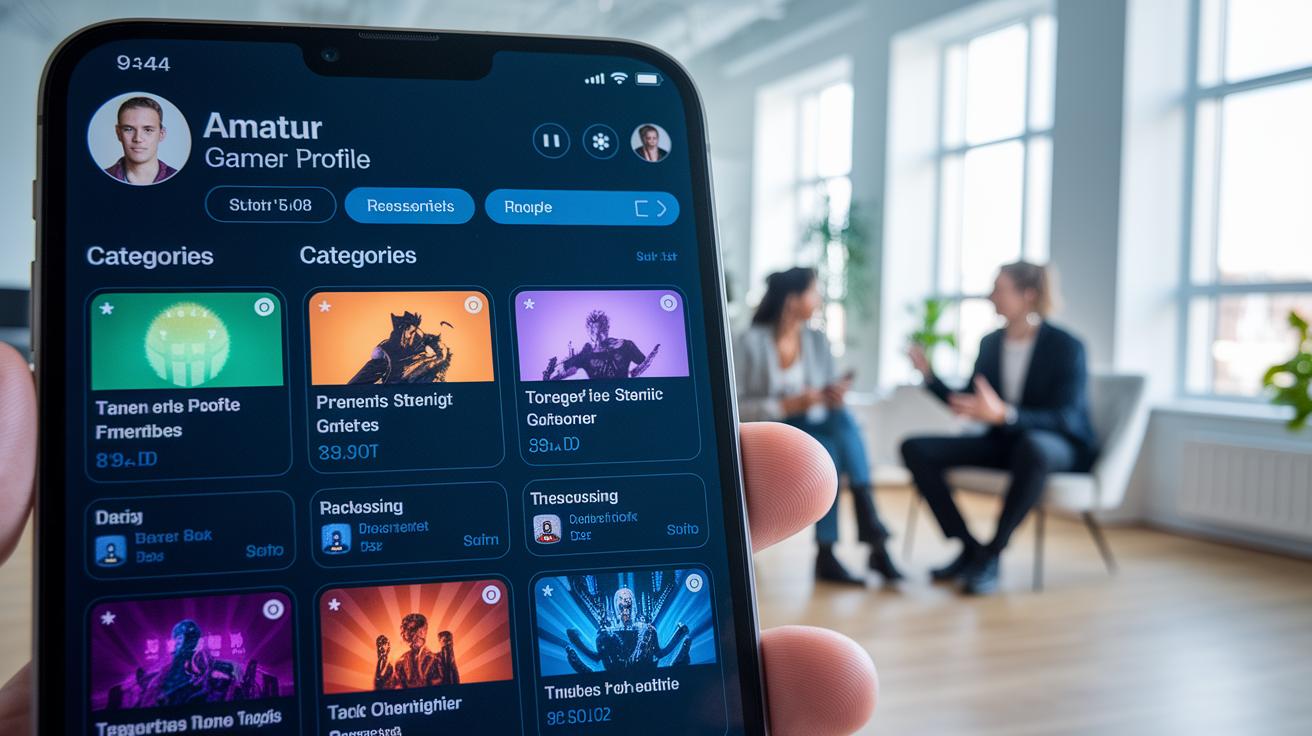
Imagine crafting your profile like you’re setting up the ultimate game plan. A neat, organized profile is like your home base, it grabs fans' attention and keeps them coming back for more. Just like a winning lineup, clear categories and a consistent look make the difference between a slow start and a thrilling win.
Here’s what you can do:
- Choose sharp category themes and names.
- Use punchy, descriptive titles for your highlights.
- Let genuine customer shout-outs and results steal the show.
- Update your content and cover art on a regular basis.
- Keep an eye on your stats to see what’s scoring big and adjust your strategy accordingly.
Tracking your highlights is a bit like watching player stats during a nail-biting match. When you check your analytics often, you can tell which parts of your reel are the real MVPs and which parts might need a little extra practice. This ongoing review not only builds trust with your audience, but also inspires new ideas for your next standout play.
Showcasing Dynamic Instagram Highlight Reels: Examples and Inspiration
Big brands are nailing it with their Instagram highlight reels. Take Sephora, for example, they use simple icons and clean text to sort their products, while Nike Women opts for bold images on a solid background. It’s like watching a highlight reel of winning plays that perfectly showcase their style. And guess what? A new Instagram update might soon let you place Highlights right next to your profile grid, giving your best moments the star treatment.
For personal brands and small businesses, dialing up that flair is easier than you might think. Why not craft custom icons that match your vibe or stick with one strong color to tie everything together? Try mixing eye-popping visuals with clean, modern text covers. Ready to stand out? Use your Highlights as a way to tell your story, just like a game-winning play that leaves everyone on the edge of their seat.
Tools and Plugins for Advanced Highlight Reel Editing

Starting out with free and freemium mobile apps is an awesome way to dive into editing highlight reels. Apps like Canva, Over, and Unfold have easy cover templates, layout choices, and basic analytics that let you craft eye-catching visuals fast, just like picking the best players for your dream team. These tools let you mix and match styles and tweak your layouts, all while giving you quick insights into how things are performing.
Then there's the premium side. If you're ready to level up, dedicated platforms pack more power and precision, kind of like having a full playbook at your fingertips. For instance, one specialized platform costs $64 a month and comes with over 130 social media widgets, including highlight cover builders and performance trackers. This lets you fine-tune your visuals, plan content like a seasoned coach, and dig deep into performance stats, helping you keep your game on point.
Final Words
In the action, we broke down how Instagram Highlight Reels work, from saving stories to creating custom cover icons. We discussed setting up each step, boosting engagement with clear themes, and exploring creative editing tools. We even peeked at smart brands to fuel your creativity. With this guide, highlight reels instagram become your secret weapon for keeping stories alive and your audience engaged. Keep experimenting, stay inspired, and watch your profile shine brighter every day.
FAQ
Highlight reels Instagram free
Highlight reels on Instagram are free for everyone. They let you permanently save your stories, keeping your best moments on your profile for fans to enjoy anytime.
How can I add highlights on Instagram without using a live story or from my gallery?
Adding highlights without a live story means using your archived content or directly uploading pictures and videos from your gallery. This lets you save and display key moments even after the story expires.
How do I turn a reel into a highlight on Instagram and can reels be added to highlights?
Turning a reel into a highlight requires sharing the reel to your story first. Once it’s live there, you can add it to a highlight, effectively displaying it on your profile for long-term viewing.
How do I customize Instagram highlight covers and icons, including a black cover option?
Instagram lets you choose custom cover images for your highlights. You can pick a black cover or any style that fits your look by uploading a personalized image to represent each highlight.
What are Instagram highlight reels and how do I create them?
Instagram highlight reels are permanent collections of saved stories on your profile. Create one by selecting and grouping live stories or archived posts, giving viewers ongoing access to your best content.
Can you view who has seen your Instagram highlight reels?
Yes, you can see viewers by tapping the highlight and swiping up. This feature displays a list of active viewers, offering insight into who is engaging with your saved stories.