
Ever thought a broadcast could pack an explosive punch? With interactive live commentary, your favorite shows jump from boring one-way talks to a buzzing, crowd-powered experience. Imagine live updates blended with cool features like quizzes, polls, and giveaways that keep everyone guessing. It’s like swapping a plain sandwich for a loaded sub bursting with flavor and surprises. Ready to dive in? Let’s break down the steps to fire up the energy and craft broadcasts that truly connect with the fans.
Interactive Live Commentary Tutorial: Getting Started with Real-Time Broadcasting
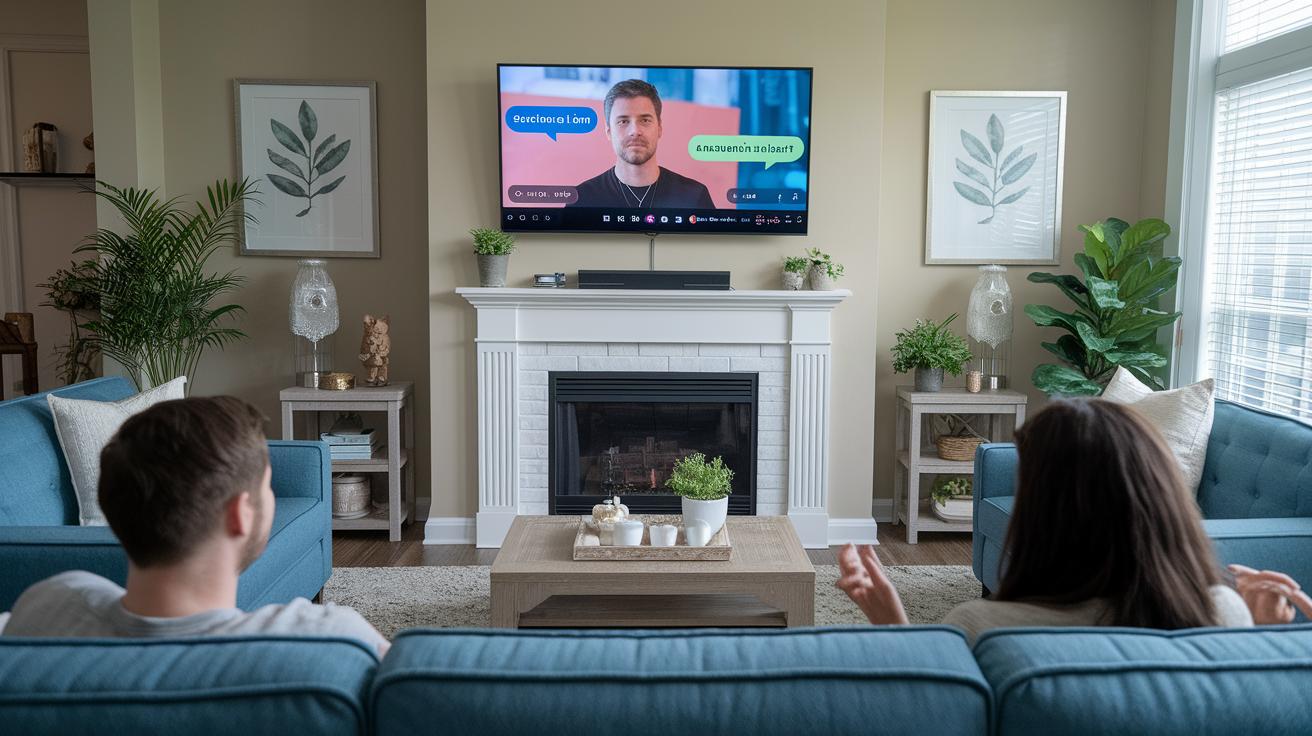
Interactive live commentary turns a regular broadcast into an electrifying event. Imagine the excitement of cheering along with friends while real-time updates keep you in the midst of the action. In these live sessions, fans jump in with comments, ask questions, vote in polls, and even chip in donations, making everyone part of the experience.
This engaging style isn’t just for sports. It works great in cooking shows, classroom lessons, charity streams, virtual tours, and more. Mixing live action with viewer interactivity keeps everyone hooked and builds a close-knit community around every broadcast.
- Pre-Recorded Video segments
- Trivia Quizzes
- Polls
- Giveaways
- Countdowns
- Success Stories
Each of these features plays a big role in boosting engagement. Pre-recorded video segments offer quick breaks while keeping the energy up. Trivia quizzes throw in fun challenges that make fans stay focused. Polls give viewers a chance to weigh in during those thrilling moments. Giveaways add a delightful surprise element that encourages everyone to participate, while countdowns ramp up the anticipation before major plays or announcements. Success stories share memorable moments from the past, connecting on a personal level that makes the broadcast even more special.
Together, these elements create a live show that feels lively, interactive, and like you’re right there in the action every single moment.
Technical Requirements for Dynamic Live Commentary
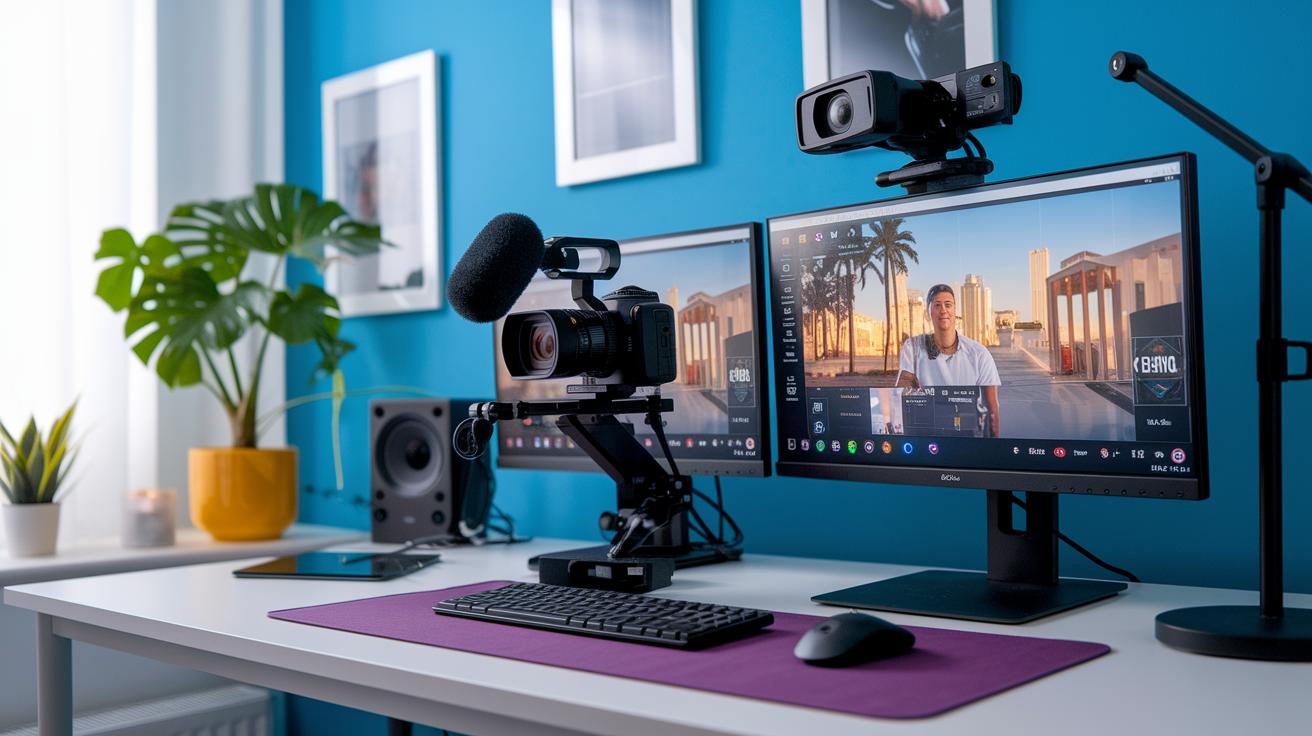
Get set to capture every electrifying moment with the right gear. Start with an HD or 4K camera paired with a top-notch microphone (either XLR or USB – both give superb sound) so every cheer and shout comes through crystal clear. Add a capture card or a solid quality webcam, and it feels like you've got your very own mini studio right in your broadcast area. Every shot, every sound puts you right into the heart of the action.
Next, boost your stream with powerful software. Tools like OBS Studio, Streamlabs OBS, or vMix let you mix in live polls, real-time stats, and sleek lower-thirds graphics. It's like having a live scoreboard updating as you go, making sure the excitement never dies down and fans stay hooked.
Finally, secure a rock-solid connection with smart network choices. Aim for an upload speed of at least 5 Mbps, and choose a wired Ethernet link over Wi-Fi for steady performance. Plus, keep a backup mobile hotspot on hand just in case. With these steps, you make sure your live commentary stays smooth, energetic, and totally uninterrupted.
Interactive Live Commentary Guide Sparks Lively Energy

Interactive live commentary is a game-changer. It pulls fans right into the action, making everyone feel like a key player. Imagine a live poll popping up during a critical moment, giving you the chance to decide the play.
Flash quizzes keep the energy buzzing too. Answer a quick quiz and you might score a reward. It’s like a friendly match where every question is a shot on goal that keeps the excitement flowing.
Chat integration takes it to the next level by spotlighting top comments and giving shout-outs. Ever felt that rush when you see your name on screen? It makes you feel seen, like a fan recognized in a packed stadium.
Then there are live Q&A sessions, where on-screen prompts invite you to fire off your questions. Toss in some giveaways and loyalty rewards, and every minute feels like a sudden-death overtime play. This blend turns a simple broadcast into an engaging, interactive rally.
Keeping an eye on chat volume, poll responses, and viewer retention is key. It’s like tracking team stats mid-game so adjustments can be made on the fly. That way, every live session stays as thrilling and connected as a cheering stadium full of dedicated fans.
Recommended Interactive Tools and Platforms
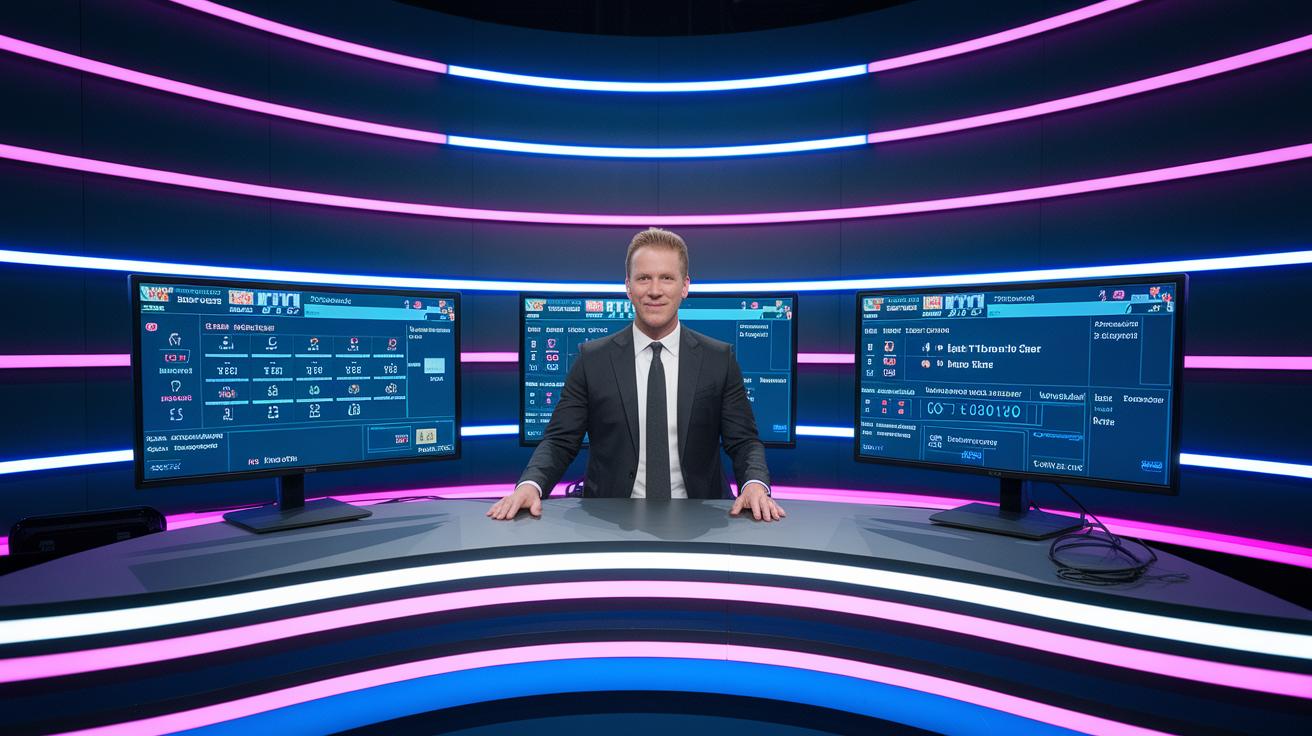
When you're on live commentary duty, you need the perfect tools to light up the action. These platforms help you drop dynamic overlays, run live polls, and keep the chat lively with automated alerts and smooth moderation, all to keep your fans locked in every thrilling second.
| Tool Name | Feature | Pricing Tier | Ideal Use Case |
|---|---|---|---|
| Twitch Extensions | Dynamic overlays, real-time interactive stats | Free/Paid | Sports commentary and live event highlights |
| YouTube Live Cards | Customizable on-screen prompts and video links | Free | Engaging multimedia storytelling |
| Slido | Real-time polls and Q&A integration | Freemium/Paid | Interactive audience engagement |
| StreamElements | Alert systems for donations and follow notifications | Free with add-ons | Live event operation and viewer contribution display |
| Nightbot | Automated chat moderation and command management | Free | Streamlined digital media display tactics |
Choosing the right tool is all about what fits your vibe and budget. If you're just starting out or working with a small crew, free options can do the trick. For bigger broadcasts, premium features offer that extra punch with deeper customization and robust support. So experiment a bit until you find the perfect combo that makes your live broadcast burst with energy.
Workflow for Delivering Interactive Live Commentary
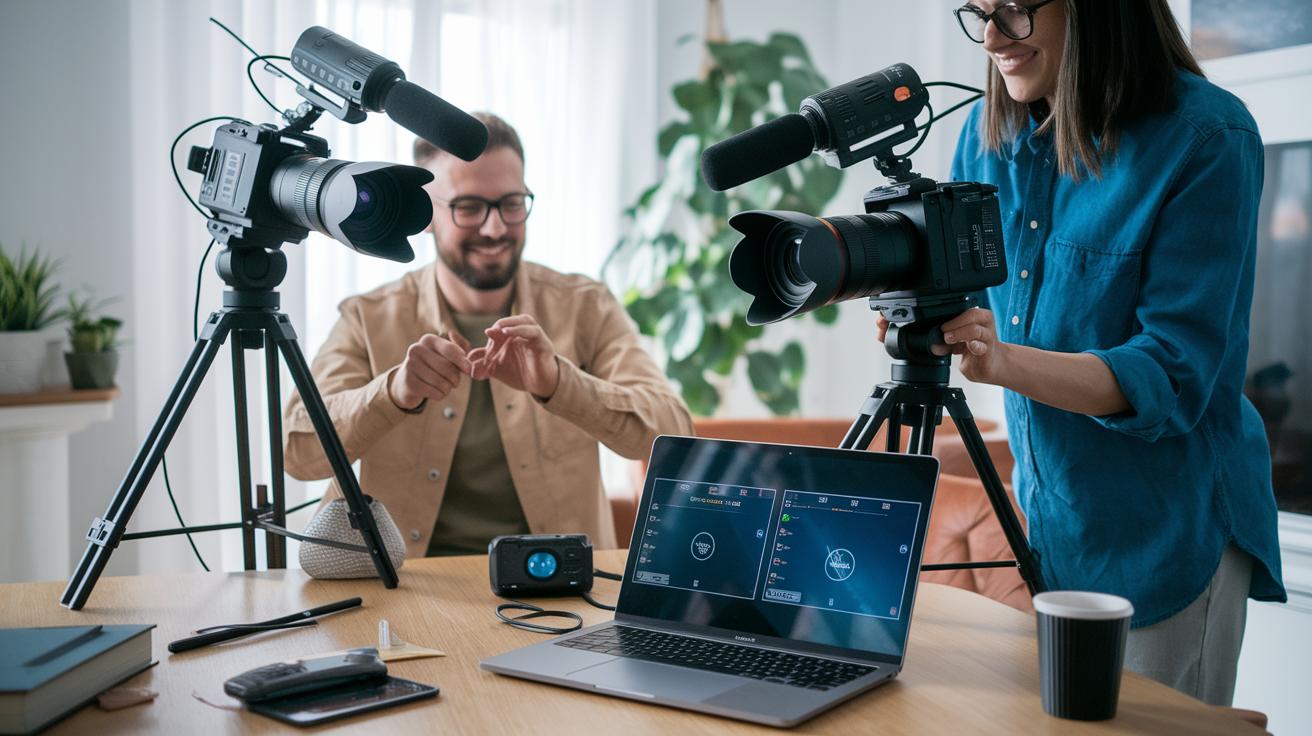
Before you press record, make sure your game plan is on point. Map out every segment of your show with a detailed run sheet. Sketch out your overlay and graphic ideas early, and run a full tech rehearsal at least a day ahead to test all your cameras, mics, and graphics for smooth streaming action.
On the day of the event, get your broadcast space set up and ensure your gear is ready to roll. Fire up your stream and double-check that your sound and visuals are perfectly synced. Kick things off with a welcome poll to pull your audience right into the mix and get their energy buzzing.
As soon as you're live, stick to your plan while keeping things flexible. Around 10 minutes in, drop a quick trivia round, then shift into an upbeat Q&A session about 25 minutes later. These planned moments encourage fans to join the fun and feel like part of the event. Keep an eye on the live chat and be ready to adjust on the fly to highlight those spontaneous viewer moments that really ignite the conversation.
When the show wraps up, the work isn’t over yet. Check out your chat logs and pull your engagement stats to see what really resonated with your viewers. Clip out the top highlights and share them on social media to keep the excitement going long after the stream ends. Reviewing these insights not only sharpens your future broadcasts but also deepens your connection with the fans.
Interactive Live Commentary Case Studies and Use Cases
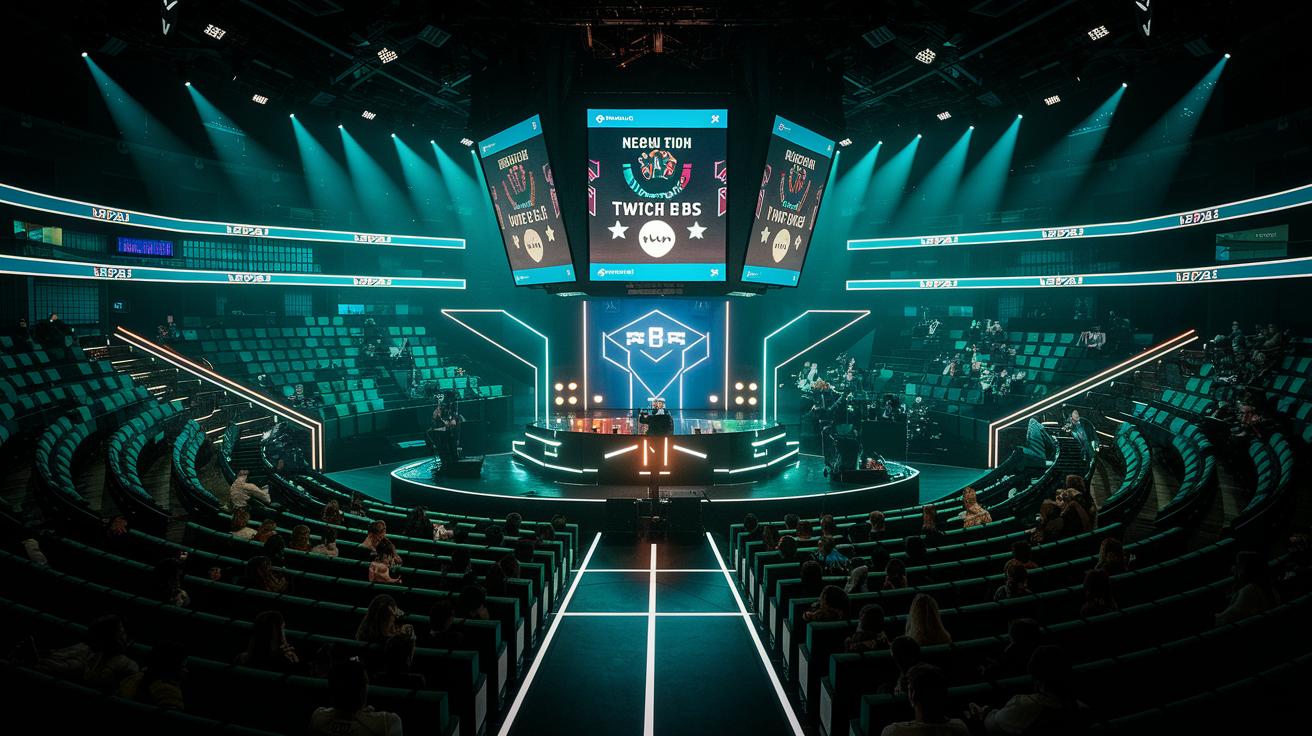
Esports Tournament Engagement Boost
At an esports tournament, organizers really turned up the excitement by adding Twitch polls during breaks. Fans got to vote on big changes, making each moment feel electrifying. This fun interaction kept viewers glued to the screen and boosted retention by 20%. The commentary team’s quick, live feedback made everyone feel like a vital part of the intense action. Imagine being able to pick a crucial play mid-game, how cool is that?
NFL Live Commentary Enhancement
During a live NFL broadcast, things got a lot more interactive. Eye-catching on-screen graphics displayed updated stats and game data as plays unfolded, which was then paired with a live Q&A session. Fans could ask questions about the game as it happened, making every play burst with extra excitement. This mix not only increased average watch time by 15% but also made the whole experience feel like a shared, real-time celebration. A timely shout-out during a key moment really brought the fans together.
Experts Live USA 2025 Interactive Session
At Experts Live USA 2025 in Times Square, the usual cloud and data sessions were spiced up with live quizzes. Presenters threw out quiz questions and the audience responded instantly, turning expert talks into an engaging challenge. This fresh twist pushed audience satisfaction up by 25%, blending deep insights with interactive fun.
These examples show that using live polls, dynamic overlays, and quick quizzes can seriously boost fan retention and watch time. Focusing on key metrics like retention, engagement, and media buzz can really guide how you plan future interactive sessions.
Final Words
in the action, we broke down the playbook, from setting up tech essentials and live engagement tactics to studying real-world wins.
We walked through interactive strategies, planning tips, and case studies that prove every element contributes to an electrifying broadcast.
This interactive live commentary guide is designed to help you create real-time excitement that keeps fans on the edge of their seats.
Keep the energy high and let each moment on air drive that winning connection with your audience.
FAQ
What is a free interactive live commentary guide?
The free interactive live commentary guide shows you how to broadcast real-time content that engages viewers with polls, Q&A, and live chat. It offers step-by-step instructions and tool suggestions.
What makes the best interactive live commentary guide?
The best interactive live commentary guide combines expert tips, practical examples, and tool recommendations to help you create engaging, real-time broadcasts that keep viewers excited and involved.
Can you provide sports commentary examples?
Sports commentary examples demonstrate energetic play-by-play narration, detailed game analysis, and witty banter. They help illustrate how to keep the live audience engaged throughout the event.
What is a football commentary script PDF?
A football commentary script PDF is a formatted document outlining call elements, common phrases, and timing cues. It acts as a quick reference to keep commentary clear and organized during live games.
What are some funny live stream ideas?
Funny live stream ideas can include playful challenges, spontaneous banter, humorous on-screen graphics, and interactive games with the audience. These ideas keep viewers entertained and enhance the interactive experience.
What does game commentary mean?
Game commentary means providing live narration during a game by describing key moments, offering insights, and reacting to plays. It creates an immersive experience where audiences feel part of the action.
How do I write football commentary?
Writing football commentary involves preparing a clear script that mixes accurate play descriptions with energetic insights. It helps maintain a smooth flow while keeping the broadcast engaging and interactive.
What topics should I talk about on a live stream?
Topics for a live stream include game analysis, real-time updates, behind-the-scenes insights, audience interactions, and humorous observations. Choosing varied topics keeps the broadcast dynamic and viewer-focused.
How do I do live commentary?
Doing live commentary requires planning, a clear script, and the ability to improvise based on game events. It involves blending expert analysis with interactive dialogue to keep the audience engaged.
How do I make commentary gameplay?
Making commentary gameplay involves mixing live game footage with real-time narration. Focus on describing key plays clearly and adding interactive comments to create an engaging and informative viewing experience.
How do I write a live commentary?
Writing live commentary means drafting key points and cues while leaving room for spontaneity. It prepares you to quickly transition between scripted insights and live audience reactions during the broadcast.
How can I be good at commentary?
Being good at commentary means honing a clear, engaging style by practicing regularly, staying informed about the game, and interacting with the audience. Consistent practice and feedback will improve your on-air performance.