
Have you ever watched a game-winning play and felt something was missing? Sometimes the video stutters or the sound lags, and that electrifying moment loses a bit of its spark.
Capturing those split-second highlights is trickier than it seems. Dropped frames during high-energy plays or compression issues making the action look fuzzy can really take away from the thrill.
Stick with me as we break down these common tech hiccups. Ever wonder how a small glitch can change the way you relive your favorite sports moments?
Core Technical Issues in Capturing and Editing Instant Game Highlights
Capturing those thrilling game highlights isn’t as simple as it looks. Sometimes, when the frame rate drops or the clips aren’t lined up right, the excitement just isn’t there. Devices pushing their limits can cause a bit of lag, making the video stutter. Even the best gear can stumble if the CPU or GPU is working too hard.
Keeping everything in sync is another headache. When the sound and video aren’t perfectly matched, the key moments feel off. Sometimes the system even drops important frames during all the intense action. And don’t forget about network issues like jitter and low bandwidth, which add extra lag and break up the play perfectly captured on film.
Compression settings also come into play. Recording with bitrates below 5 or 10 Mbps can cause visible errors that pull you out of the moment. It’s crucial to fix these glitches quickly so every highlight stays sharp and filled with energy.
Here’s a quick rundown of the main issues:
- latency-induced video lag difficulties – Caused by shaky network conditions and heavy resource load.
- synchronization delay anomalies – When the audio and video aren’t lined up perfectly.
- frame skipping error factors – When the system drops key frames during high-energy gameplay.
- compression artifact troubles – Occur when low bitrate settings distort the picture.
- network jitter and insufficient processing power – Make video lag even more obvious.
- synchronization delay anomalies – Disrupt the smooth, natural flow of the game highlights.
Optimizing Hardware and Software for Instant Game Highlight Production

When you're capturing a game-winning moment, the right gear makes all the difference. Imagine trying to film that last-second shot on a slow computer, not cool, right? A PC with at least 4 cores and 16 GB RAM is like having a star player on your team, making sure nothing gets dropped. Fast storage, such as an NVMe SSD, works like a speedy midfielder, handling quick read and write moves so every play gets recorded perfectly. Fun fact: top sports broadcasters often boost their systems with high-speed SSDs, ensuring every thrilling moment is locked in without a hitch.
Next up, setting up OBS Studio for recording the full game is a must. OBS Studio is a fan favorite, it lets you capture the entire match and later pick out those epic highlights. Using H.264 encoding to save your videos as MP4s keeps the balance between great quality and manageable file sizes. Aim for a bitrate between 5 and 10 Mbps at 720p or 1080p to keep the visuals sharp and smooth. Picture this: a sports fan quickly trims a jaw-dropping play and shares it with buddies, all thanks to these smart encoding settings.
By choosing the right computer hardware and fine-tuning your recording software, you're tackling issues like hardware glitches, slow processing, and storage snags head-on. Think of it as crafting the ultimate game-day strategy where every component is in sync to catch those unforgettable plays live.
Troubleshooting Real-Time Editing Glitches in Instant Game Highlights
Real-time editing can trip up in a bunch of ways. Sometimes it’s a buffer underrun, a format mismatch, or a mix-up with codecs, each one of these can be like a missed call by a referee at a crucial moment, causing error logs and debugging headaches that mess with your quality checks.
One smart move is to set up an automatic review when the system starts. Keep an eye out for CPU or GPU spikes and sudden memory surges, kind of like watching for a sudden change in the tempo of a game. Monitoring network jitter and packet loss also helps catch those live-stream hiccups before they steal the show.
Integrated monitoring tools work like a seasoned coach, tracking every slow play, codec issue, or system error without needing a manual reset. These tools record each glitch and send instant alerts for speedy fixes. With this proactive setup, you can focus on capturing the live action without fretting over technical slip-ups, keeping the editing process as smooth and exciting as your favorite match.
Efficient Editing Workflows for Instant Game Highlights
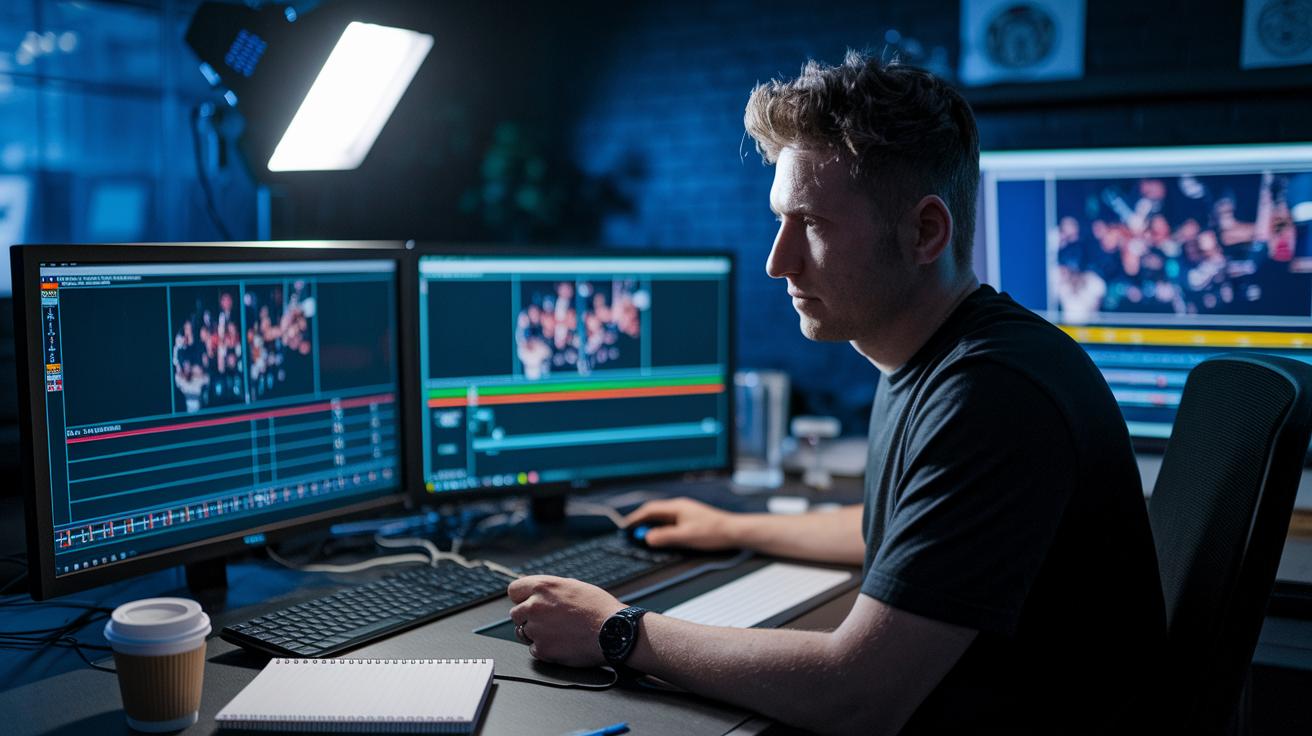
When the game is on the line, every second counts. Editors often face tricky challenges like fast-cutting issues and real-time clipping hassles that could slow things down. The goal is simple: trim the raw footage quickly while keeping that electric match excitement intact. With a clear, organized process, you won’t miss a single standout moment.
Five-Step Editing Workflow
Here’s a quick plan to turn any game into instant highlights:
- Record the whole match to catch every play, so no epic moment slips by.
- Mark key moments as they happen, ensuring buzzer-beaters and big plays get flagged immediately.
- Export the footage in MP4 format with H.264 encoding. (This keeps the video quality high while keeping the file size manageable.)
- Use smart software shortcuts to merge segments smoothly, like piecing together your favorite play.
- Publish the recap right away so fans can relive the thrill almost instantly.
Think of the process like setting up a game-winning play: every step is vital to get that perfect finish.
Using Preset Templates and Dynamic Tagging
Preset templates add a steady rhythm to the editing process. Imagine a 15-second intro to set the stage, a 30-second buildup to pump up the excitement, and a 15-second wrap-up to give a satisfying finish. When you combine these with dynamic tagging, aligning clips and picking the best crowd reactions becomes a breeze. This system cuts out the manual hassle, letting you whip together high-energy highlight reels faster than ever.
Maintaining Visual Quality in Instant Game Highlights
Keeping images sharp during fast edits can feel like chasing a runaway ball. It means dealing with issues like dips in resolution and blurry visuals. Using HD capture at 720p or 1080p with a bitrate of 5–10 Mbps makes every play look crisp and full of detail.
Sometimes, when your computer or graphics card gets overloaded, the video drops frames, breaking the flow of the action. And if the shutter speed is too slow, those quick moments on the field can turn into a blur. A quick fix is to adjust the camera or tweak the software's frame settings so everything stays clear.
Even color can throw a curveball. When the white balance isn’t set right, colors shift and take you out of the excitement. Editors usually fix this by making fast adjustments in their editing tools.
Think of maintaining visual quality like setting up the perfect play. Editors have to be quick while making sure every move, from rapid cuts to dramatic slow-mo, stays vivid and true to the moment. It’s all about spotting even the small glitches that can chip away at the overall game vibe. Using built-in tools in editing software to check and adjust white balance in real time keeps the look on point.
| Issue | Cause | Quick Fix |
|---|---|---|
| Frame Drops | CPU/GPU overload | Lower bitrate or try hardware encoding |
| Motion Blur | Slow shutter or fast action | Increase frame rate or use motion compensation |
| Color Shifts | Off-kilter white balance | Adjust the color profile during editing |
Network and Bandwidth Constraints in Instant Game Highlight Capture
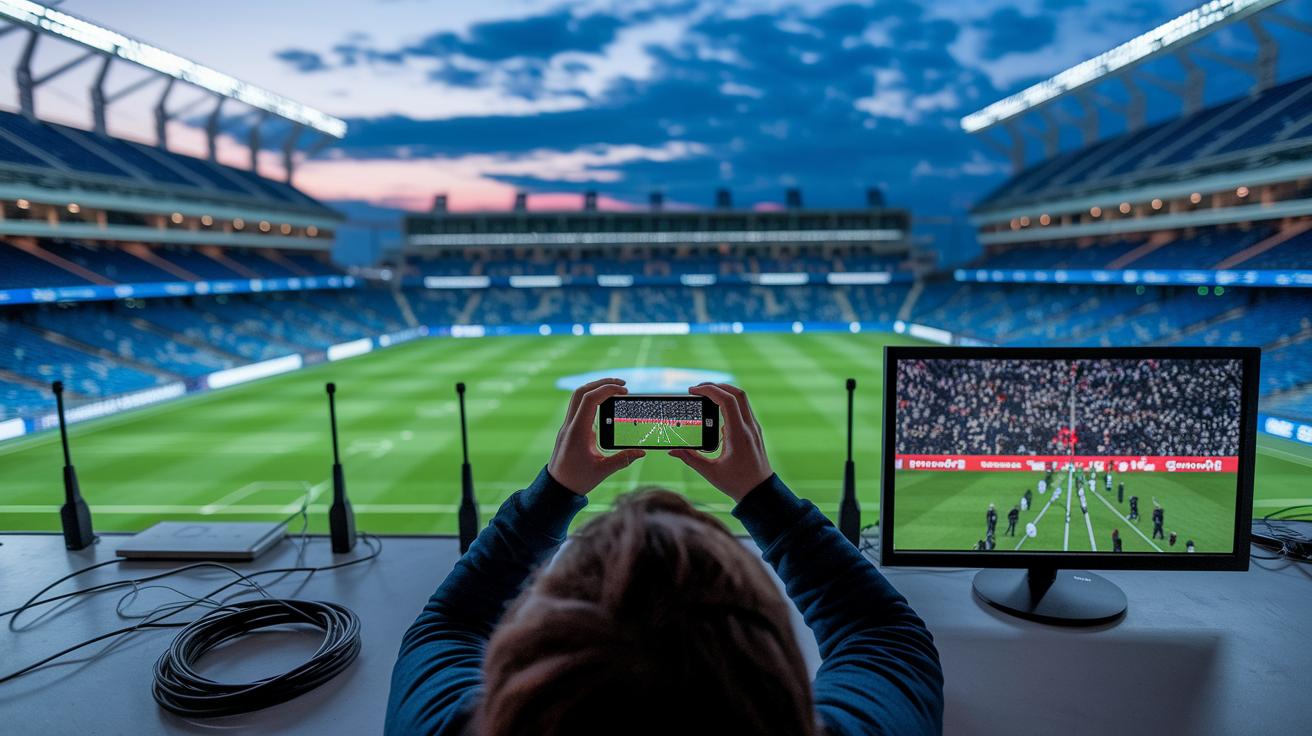
Watching an epic game live is thrilling, but capturing those key plays can get tricky when the network starts acting up. Ever feel that frustration when you miss a perfect moment because of jitter? When the connection wavers, packets drop like a bad call, forcing the system to use buffering to keep the video running. And during those peak, high-traffic moments, the bandwidth takes a hit, slowing everything down and sometimes making the video look choppy. It’s like watching your favorite coach scrambling to catch every play, only to be held back by delays and lag.
Then there’s the challenge of adaptive streaming. When the network dips, the system automatically lowers the video quality, kind of like settling for a shadow of the real action. This means editors end up with a lower-resolution highlight that's missing those crisp details fans live for. To fix this, larger buffer sizes and quality-of-service rules are put in place, sort of like a coach calling a timeout to regroup. Fine-tuning these settings helps tackle the lag and get everything back on track, ensuring those key moments show up clear and strong.
In the end, overcoming these network struggles is all about staying proactive. Continuous monitoring and smart adjustments let the game flow smoothly, so every intense play is captured for the fans to enjoy instantly. Isn’t that what every true fan wants?
Balancing Automation and Accuracy in Instant Highlight Production
Tools powered by AI, like the handy "Generate Highlights" button, give you a quick way to grab those high-action plays. But sometimes, they drop the ball by missing key moments that the game needs. This happens because machine learning doesn't catch every single detail of the game. Even with a claim of 90% accuracy, sharp editors often spot moments that slip through the cracks. And sometimes, the system even misclassifies an important play, which means someone needs to step in and review it manually.
A hybrid approach that mixes fast AI with a human touch works best. When editors add their own oversight, they catch glitches during live editing, ensuring no real game moment gets overlooked. Counting only on technology can play into the limitations of machine learning, so teams have to keep a close eye and adjust things as needed. Even with smart detection, errors can sometimes sneak by. By accepting that these imperfections exist, pros step in just in time to fix them, capturing every electrifying play without slowing down the action.
Final Words
In the action, we unraveled the technical puzzles behind live game editing, from frame rate dips to sync glitches and network hiccups. We checked out hardware fixes, smart editing sequences, and troubleshooting techniques that help keep play-by-play moments crystal clear.
This dive highlights the challenges in capturing and editing instant game highlights. Every tweak brings us closer to seamless action, ensuring that each highlight captures the thrill of the game perfectly. Keep pushing for that flawless replay every time.
FAQ
Challenges in capturing and editing instant game highlights reddit
The challenges around capturing and editing instant game highlights on Reddit include lag, sync mismatches, and dropped frames. They often point to hardware limits and online streaming issues.
Challenges in capturing and editing instant game highlights xbox
The challenges on Xbox include system limits and network lag that can cause delayed or stuttered footage. Users often face frame skips and timing errors during capture.
Challenges in capturing and editing instant game highlights free
The challenges with free tools often involve lower-quality compression, limited editing features, and slower processing speeds. This can lead to choppy footage and misaligned audio.
What is the hardest part of video editing?
The toughest part of video editing is syncing audio with video. Problems like dropped frames and off-timed playback make it hard to capture smooth, engaging action.
What might be some of the challenges in adapting video games into a different medium?
Adapting video games into another medium means keeping the game’s energy while transferring interactive elements into a narrative format. It tests how well the pace, visuals, and sound are preserved.
What are highlights in editing?
Highlights in editing are short clips that showcase the biggest and most exciting moments. They trim down full matches into engaging snapshots that capture the scene’s energy.
What is the best app to edit sports highlights?
The best app to edit sports highlights offers speedy processing, intuitive controls, and reliable performance. It helps you quickly cut and arrange clips into a dynamic final replay.