
Ever think a short clip could kick your project into high gear? In just seconds, a teaser grabs your attention like a last-second game-winning shot. It’s packed with crisp visuals, catchy tunes, and just enough hints to make you wonder what’s coming next.
In this post, we're breaking down every bit of magic behind the reel. Ever felt that rush when everything just clicks? Let’s dive in and see how the perfect teaser can hook your viewers right from the first frame.
Teaser Reel Fundamentals: Definition and Purpose
A teaser reel is a snappy video clip, usually between 30 and 60 seconds, built to grab your attention right away. It blends rapid editing, catchy music, and a friendly voiceover to give you a sneak peek of a project without spilling all the details. Filmmakers and creative pros swear by these reels to set the stage and stir up buzz early on. Ever noticed how that first 5 seconds can completely pull you in? That’s exactly the trick.
Think about it, viewer interest can start to fade after just 10 seconds, so every moment has to count. Each frame is crafted to pack a surge of energy through sharp visuals, well-timed sound bites, and quick narrative hints. In truth, these teaser reels are like a burst of adrenaline, sparking curiosity for what’s next while highlighting the brand’s unique creative vibe.
Teaser Reel Overview: Key Components and Structure
A teaser reel grabs your attention from the very first moment. It starts with a hook that pulls you in instantly, like that blink-and-you-miss-it shot when the spotlight beams down, and you just can’t look away. Next, a fast-paced mix of clear, exciting visuals shows off different angles and key moments. Music and sound effects pump up the energy, and branding overlays tie everything together with a familiar look. Then, a clear call-to-action tells you exactly what to do next, whether that means checking out a trailer, visiting a website, or staying tuned for more surprises. Fun fact: before hitting it big, the team behind this reel tested over 50 editing tricks until they found the perfect blend!
| Component | Purpose |
|---|---|
| Hook | Snags attention in the first few seconds and sets the vibe |
| Visual Montage | Shows off key visuals quickly to spark excitement |
| Music/Audio | Adds emotional punch and drives the reel’s pace |
| Branding Overlay | Connects the creative content with a recognizable look |
| Call-to-Action | Tells you exactly what to do next so you stay engaged |
Each part is carefully designed to keep you hooked long after the first few seconds. When these elements click together, they create a dynamic preview that holds your interest well past that crucial initial moment.
5 teaser reel: Creative Video Spark
Crafting a teaser reel is kind of like setting up for the ultimate game-winning play. You need a clear storyline and visuals that scream your brand's personality. Imagine the excitement of a buzzer-beater shot: every image and design element comes together perfectly.
- Keep your script tight and focused.
- Aim for quick, punchy shots set at around 2 to 4 seconds each.
- Make sure your logo and color scheme are a constant, like a team's signature move.
- Use colors to set the mood just like stadium lights set the scene.
- Choose typography for your titles and lower thirds that’s as bold as the crowd’s cheer.
- Let motion graphics flow in around 2 to 3 seconds to keep the energy high.
- Pick a thumbnail and keyframe that grab attention right away.
These tips turn your teaser reel into a dynamic highlight reel. Just picture each shot leading smoothly into the next, a play that captivates from beginning to end.
There are plenty of free or paid templates available in popular editing tools like Premiere Pro and After Effects that can add a pro finish to your reel. Just like selecting the right play, choose a template that matches your brand’s color and style. It’s a smart way to stay consistent and speed up your editing so you can focus on those creative touches. Experiment with different layouts, fonts, and animations to transform a simple video into a preview that keeps fans on the edge of their seats.
Editing Techniques for a Compelling Teaser Reel

Great editing makes your teaser reel pop. Skilled editors work fast to turn raw footage into a preview that grabs your attention from the very first frame. They follow a five-step process that cuts out wasted time and makes sure every second counts. It's like watching a highlight reel where each moment builds the excitement.
-
Footage organization and metadata tagging
First, sort through your raw clips and label them with useful tags. This simple step helps you find the best parts quickly, speeding up the whole editing process. -
Rough assembly of highlights
Next, pull your best clips together into a rough draft. This stage sets up a clear story, getting the flow right without stressing over perfect cuts. -
Transition and timing refinement
Then, fine-tune the transitions between each clip. Adjust the timing so every shot lands with the right impact, keeping the pace lively and engaging. -
Color grading with LUTs or scopes
Up the visual game by applying color correction and grading. This step gives your footage a consistent, vibrant look that catches the eye. -
Audio mastering (EQ, compression, ducking)
Finally, balance the sound with techniques like EQ, compression, and ducking. When the background music and voiceover work in harmony, your reel feels complete.
When everything is set, export your reel using H.264 encoding at 1080p, with a bitrate between 8-12 Mbps. These settings keep your teaser looking crisp and ready to wow viewers on any web or social platform.
Real-World Examples of Successful Teaser Reels
Film A from a major studio kicked things off at Cannes with a 45-second teaser that really grabbed attention. It bursts onto the scene with rapid cuts and lively sound effects, building suspense right from the get-go. In just 24 hours, it racked up 500K views. Think of it as an instant hook, the visual blast and unexpected twists paired with a moving soundtrack make you feel like you're right in the middle of the action.
Then there’s TV Show B, which stirred up excitement on YouTube with a 30-second teaser that landed 1.2M views in 72 hours. This clip uses sharp editing and bold, themed colors to set a fresh, modern vibe. It smartly mixes quick visuals with just the right pauses, giving every creative moment time to shine. It’s proof that even a short clip can capture a huge crowd when every second is used wisely.
Next, Portfolio Reel C offers a more personal vibe with a 60-second video on Vimeo. This teaser not only showcases the creator’s unique style with creative motion graphics and intimate storytelling, but it also turned viewers into clients, boasting a 15% conversion rate. It’s a fantastic example of how a genuine, innovative clip can open doors in the business world.
Tools and Services for Producing Teaser Reels
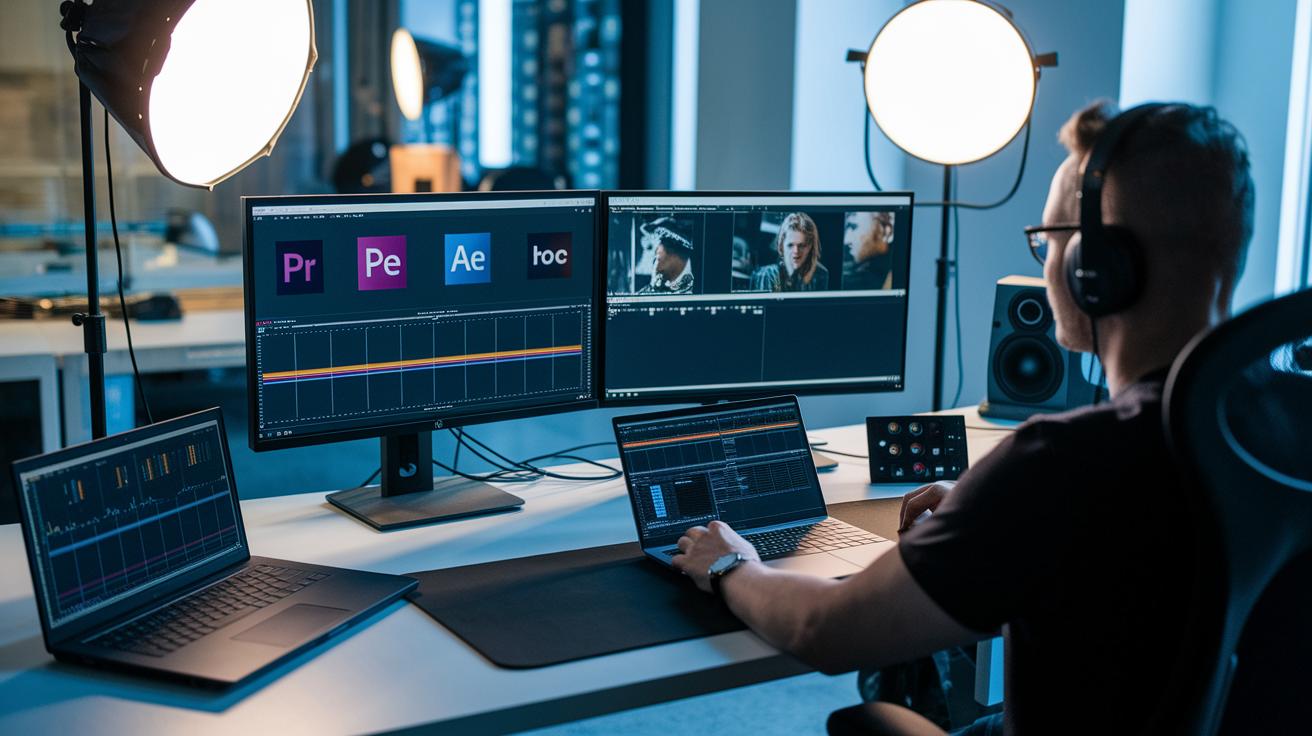
Imagine setting up a game-winning play with your teaser reel. Adobe Premiere Pro is like your star point guard, using smart metadata logging to quickly sort through your footage. And then there's After Effects , think of it as that agile forward who brings in slick, dynamic motion graphics with its advanced keyframe editor. DaVinci Resolve? It lights up the field with professional color tools that give your reel a polished, vibrant look. Plus, cloud platforms like Frame.io make team reviews a breeze with handy time-stamped comments. These top tools help you put together a teaser reel that's as smooth and captivating as that unforgettable winning goal.
Need a little extra expertise on the bench? Freelancer platforms like Upwork and Fiverr are your talent scouts, offering a pool of skilled editors ready to fine-tune your project. You can also hit up boutique promo-video studios that specialize in short previews, providing hands-on services to ensure your reel is sharp and engaging. Whether you choose a freelancer or a dedicated studio, these pros deliver custom solutions that bring your vision to life and make your teaser reel stand out from the crowd.
Final Words
In the action, we broke down the art of crafting a teaser reel, from clear definitions and fast-paced cuts to smart design and editing techniques that keep eyes glued to the screen. We spotted real-world wins and handy tools that light the spark for creative storytelling.
This guide on teaser reel fundamentals wraps up a journey through key elements, showing how every piece adds power to your project. It leaves us fired up for the next big play.